Run it anywhere. Read every answer.
Tinkr is a desktop app for Laravel Tinker and PHP. This is everything it does, in the order you meet it.
Connections
A connection is where your code runs. Tinkr has five kinds.
- Local: a project folder on this machine. The session starts with
php artisan tinker, or any command you set. - Container: Docker, Podman, Sail or kubectl. Pick the container and the project inside it from what is running, and Tinkr builds the exec command.
- SSH: any server you can reach with a key or a password. A password is kept in a file only you can read, answered by the app itself, and never shown again.
- A container on a server: what a Dokploy, Coolify or compose deploy is. The session goes over SSH and then into the container.
- Laravel Cloud: paste an API token in Settings, pick an application and one of its environments, and the code runs inside it, with the same readings, queries and dry runs.
Tag a connection as production and Tinkr asks before a run writes to it.
Editor
Monaco, the editor inside VS Code, with suggestions for your project's own classes and their
methods after ::, read from the project itself, locally and over SSH. Keyboard
first: run with Ctrl R, search snippets with Ctrl K.
Snippet forms
Variables at the top of a snippet become a form. Fill it in and run, and the snippet works like a small admin panel you wrote in a minute.
Snippets and history
Save the code you come back to as a snippet of its connection. Every run is kept across restarts: the last fifty of each connection, each with its outcome, so the history reads as a ledger of what returned, what printed and what threw.
Readings
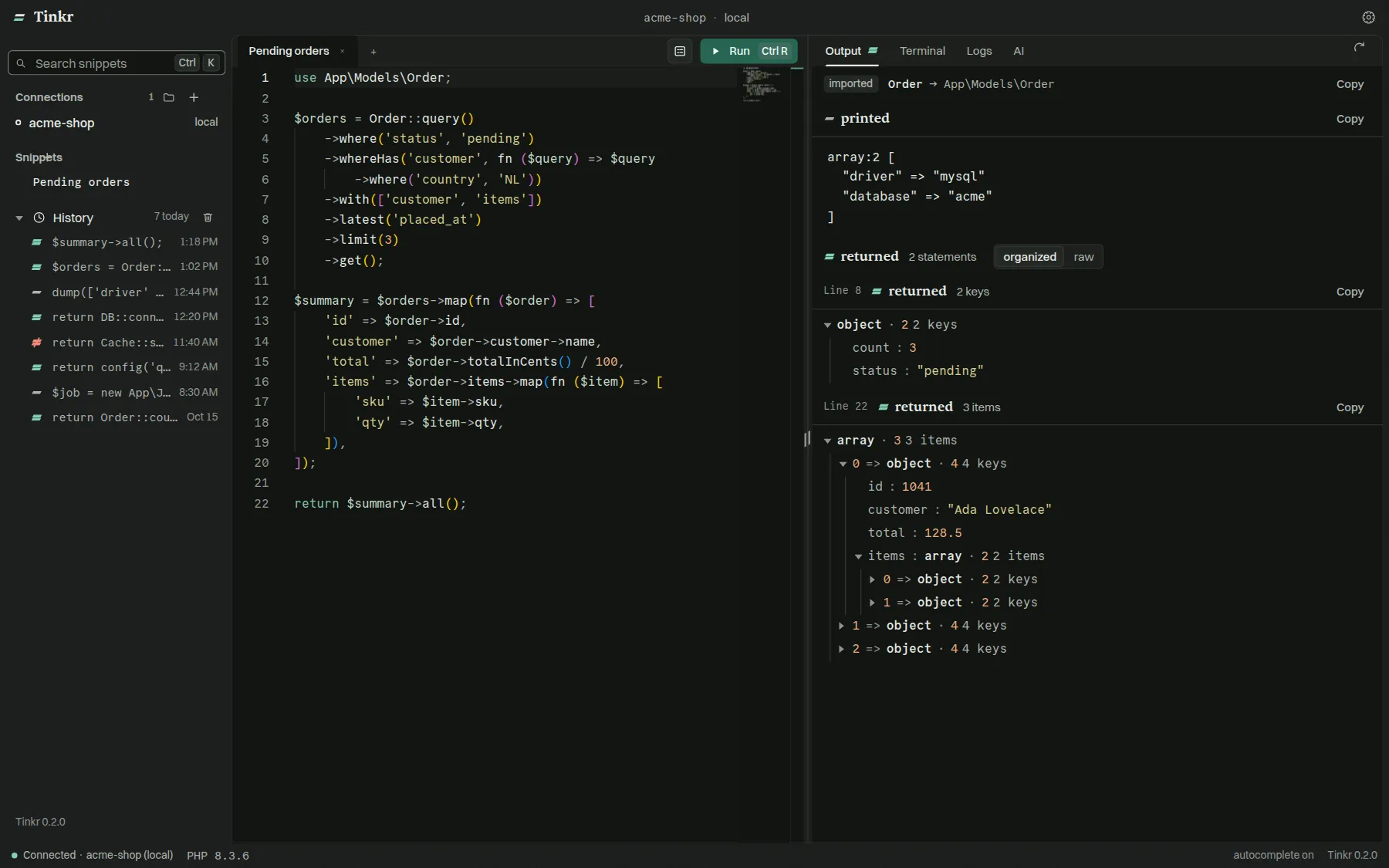
A result is read the way its value wants to be read: a tree for any structure, a table for a list of records, a graph for anything with something under it, a frame for markup, and the raw text the run printed. Copy a table, or save it as CSV.
Queries
Every statement the run sent to the database, with its bindings, the time each one took, and the connection it went to.
Dry run
Run inside a transaction you can keep or take back, so a write can be looked at before it is committed. A sandbox run goes further: mail goes to the array transport, jobs and the bus to their fakes, the HTTP client answers only what it was given, every disk is faked, the cache is an array store, and the log records instead of writing. The result tells you what was caught.
Stop
A run that is going can be stopped. Run becomes Stop, and the PHP behind it is killed, inside a container or on a server.
Log viewer
Your application's logs, from storage/logs or anywhere else, in a window of their
own so the editor keeps its width. Filter by any of monolog's eight levels, by a term and by a
span of time. Follow a file live, or scroll back through it: older pages load as you reach
the top, and only a bounded window is held, so a file larger than memory still opens.
Dark and light
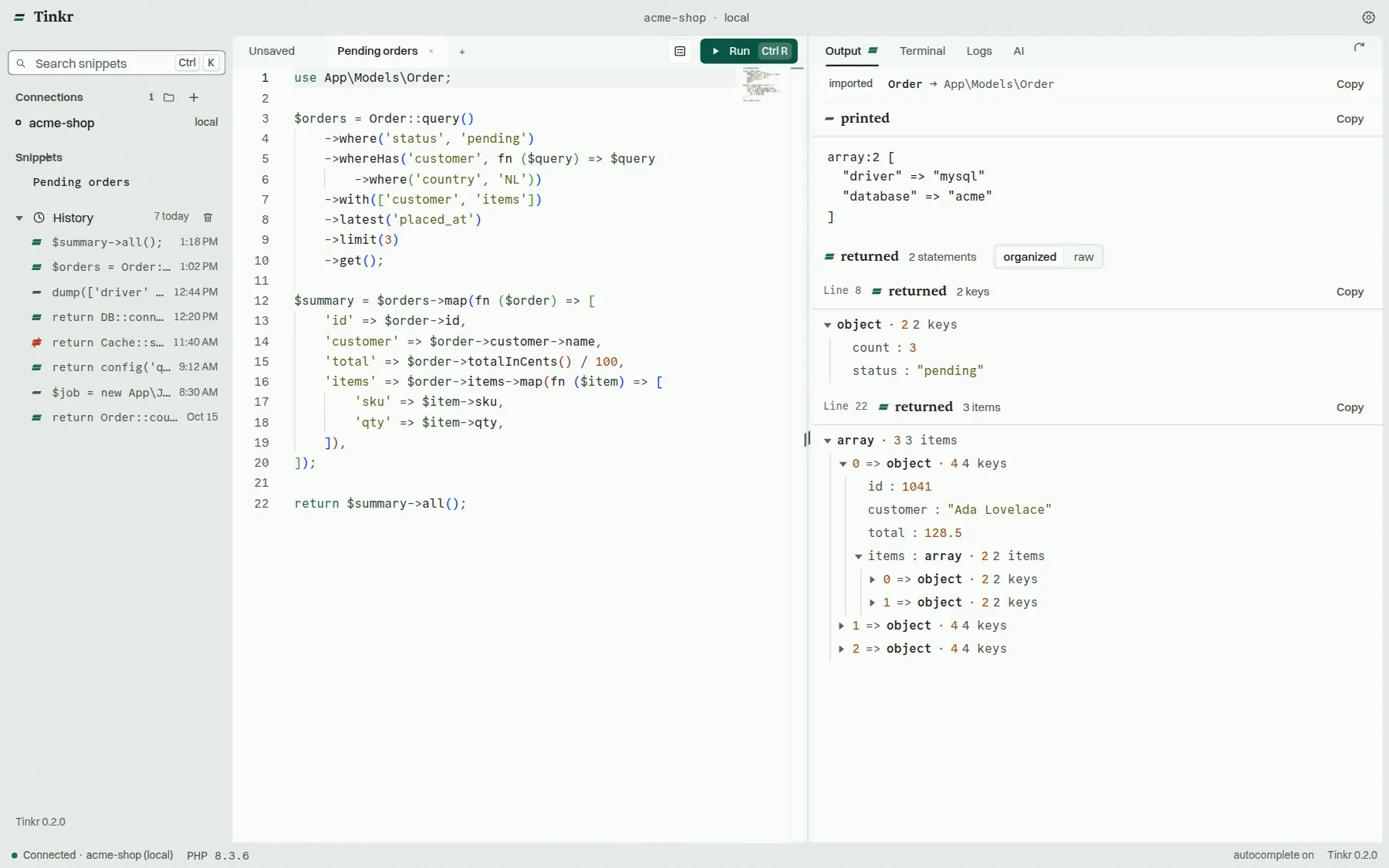
One palette in two readings, across the whole app: the editor, the terminal and every pane read the same colours.
AI completions and the AI panel
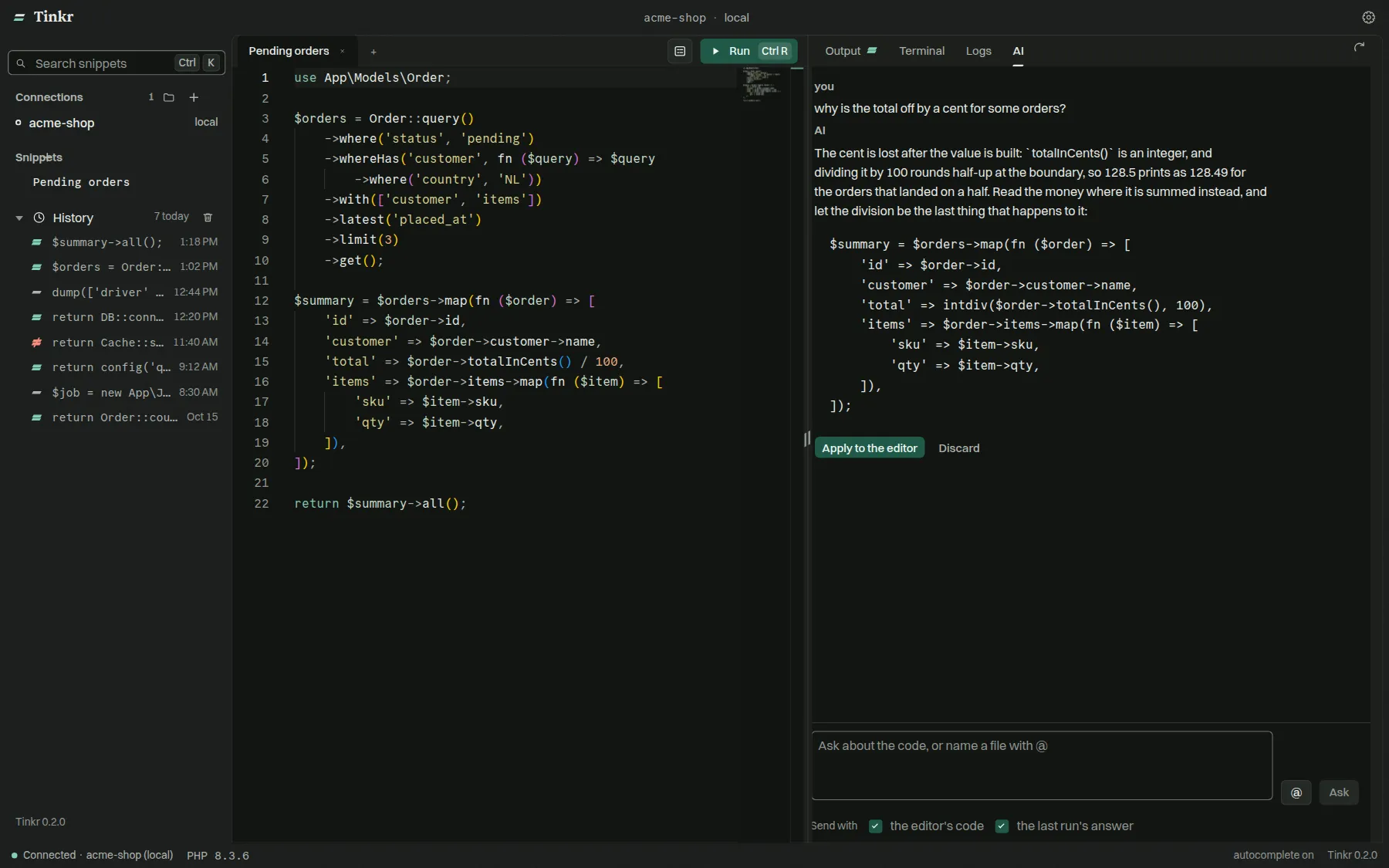
Complete snippets with OpenAI, Claude, Ollama, OpenRouter, OpenCode Zen and Go, or your own endpoint. Ask the panel about the code in front of you: the last result goes along, @ pulls in project files, and the code it proposes drops into the editor.
MCP server
Claude Code, Cursor, VS Code and other MCP clients run PHP through the same connections you use, with the same guards.
Ready when you are.